- Choosing WhatsApp for Automation :
- What Is WhatsApp Business API?
- Understanding Chatbot Automation :
- Why Integrate a Chatbot with WhatsApp Business API?
- Key Business Benefits :
- Prerequisites for Integration :
- Step-by-Step Guide to Integrating a Chatbot :
- Popular Use Cases :
- Best Practices for Seamless Automation :
- Integrating a Botbuz chatbot with the WhatsApp Business API :
- FAQs :
Choosing WhatsApp for Automation :
Conversational Marketing is essential today. The customers want instant, personalized, and easy interactions with businesses. This strategy focuses on real-time dialogue rather than slow, one-way communication. It ensures businesses are available 24/7. Also it offers custom experiences & speeds up the process of turning leads into customers.
WhatsApp is the top choice for this automation through chatbot integration. It is due to its massive global user base and incredibly high engagement. Messages sent on WhatsApp have near-perfect open rates. It connects with customers on this familiar, daily platform. Thus, businesses can achieve better results than through traditional channels like email.

To use WhatsApp for scalable automation, businesses need the WhatsApp Business API. This official tool allows for secure, high-volume communication. Integrating a chatbot with the API means designing a conversation flow like answering common questions. Also linking that logic to the API which turns WhatsApp into a powerful, automated sales & service tool.
What Is WhatsApp Business API?
The WhatsApp Business API is a back-end platform. It is designed for medium & large businesses to communicate with customers at scale. Its main purpose is to enable advanced automation via chatbots & handle high message volumes. It also integrates with core systems like CRMs.
Unlike the free WhatsApp Business App, which is for small teams and basic use. The API offers unlimited user access & powerful features like rich message templates & system integration. Thus, making it essential for enterprises requiring robust, scalable, and automated customer engagement.
Understanding Chatbot Automation :
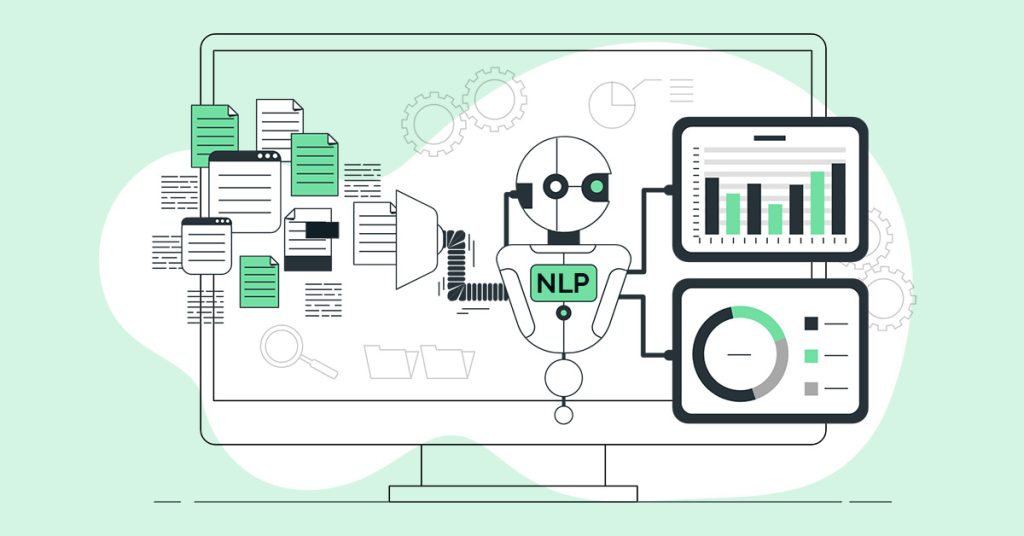
A chatbot is a program that mimics human conversation to automate interactions. They come in three main types. 1) Rule-based bots use simple, pre-defined scripts for predictable queries. 2) AI-powered bots use Natural Language Processing (NLP) to understand complex, varied language and context. 3) Hybrid bots combine both for optimal flexibility. The primary benefits of using chatbots in business are providing 24/7 availability. It significantly reduces operational costs by handling routine tasks. Thus, improving customer satisfaction through instant, scalable service.
Why Integrate a Chatbot with WhatsApp Business API?
Integrating a chatbot with the WhatsApp Business API is crucial. It helps for scaling customer engagement. It ensures automated, 24/7 service, meaning your business never misses an inquiry. Thus, supporting customers across all global time zones instantly.
The combination provides instant response at scale. It is capable of handling thousands of simultaneous conversations without delay. Thus, improving customer satisfaction. Furthermore, the API enables multi-user access through a shared inbox. It allows a chatbot to seamlessly work alongside human agents. Also it efficiently handles complex conversations.
Finally, this integration supports diverse business goals. Right from lead generation and sales to customer support and proactive notifications. Thus, making it a versatile tool for modern commerce.
Key Business Benefits :
The key benefits of integrating a WhatsApp chatbot center on three areas : efficiency, experience, and revenue.
By automating routine inquiries, businesses achieve reduced operational costs. It can reallocate human staff to complex tasks. This automation also leads to improved customer satisfaction and quicker query resolution. It is because customers receive instant, consistent 24/7 service.
For sales, the integration results in better conversion and sales outcomes. It is through automated lead qualification and proactive cart recovery messages. Finally, the API provides data-driven insights and reporting. It gives businesses crucial metrics to continuously refine their customer service & overall business strategy.
Prerequisites for Integration :
To integrate a chatbot with the WhatsApp Business API, several key prerequisites must be met. First, you must secure a WhatsApp Business API account. It is typically through an official Business Solution Provider (BSP) that handles the technical setup and hosting.
Second, the business must have a Verified Facebook Business Manager account. This involves submitting legal documents to Meta to confirm the company’s identity. Also it ensures compliance with their business policies.
Third, a dedicated, approved phone number is required. This number must not be currently tied to any consumer or business WhatsApp app, as it will become the permanent, verified contact number for your customers.
Finally, you need access to a chatbot platform or developer resources. This is the tool or team needed to design the conversational flow (the bot’s logic). It should then connect it to the WhatsApp API using webhooks to handle message exchange.
Step-by-Step Guide to Integrating a Chatbot :
The integration of a chatbot with the WhatsApp Business API follows a five-step process.
First, apply for the WhatsApp Business API by completing Business Verification. It is through the Meta Business Manager & onboarding, typically via a Business Solution Provider (BSP). Second, connect a dedicated phone number. It is done by registering a non-active number within the API environment.
Third, set up the chatbot by choosing a platform. Also design comprehensive conversation flows with pre-defined responses and logic. Fourth, integrate the chatbot with the API using API keys and webhooks. It helps to establish two-way communication between the bot’s logic & the WhatsApp channel.
Finally, thoroughly test the automation via internal testing and User Acceptance Testing (UAT). It helps to ensure that all flows & integrations work perfectly before launching to the public.
Popular Use Cases :
The versatility of WhatsApp chatbot integration enables many essential business functions. For sales, bots offer personalized product recommendations and automatically manage lead capture and qualification.
In logistics, bots handle high-volume, automated communications like order tracking and shipping updates. For service, they manage customer support and FAQs 24/7, and simplify appointment booking.
Finally, for administrative tasks, bots ensure timely communication. It is done by sending crucial payment confirmations and renewal reminders. Thus, streamlining operations and enhancing the overall customer experience across the board.
Best Practices for Seamless Automation :
Effective WhatsApp automation focuses on five core best practices. Messages must be kept brief and conversational to match the platform’s nature. While strong personalization (using names and order details) builds trust and drives conversions. User interaction should be simplified using Quick Replies or buttons to accelerate resolution times. Crucially, a seamless, context-aware path to a live human agent must always be available for complex issues, preventing frustration. Lastly, mandatory compliance with Meta’s message and template categorization policies is essential for sustainable, large-scale communication and avoiding account restrictions.

Integrating a Botbuz chatbot with the WhatsApp Business API :
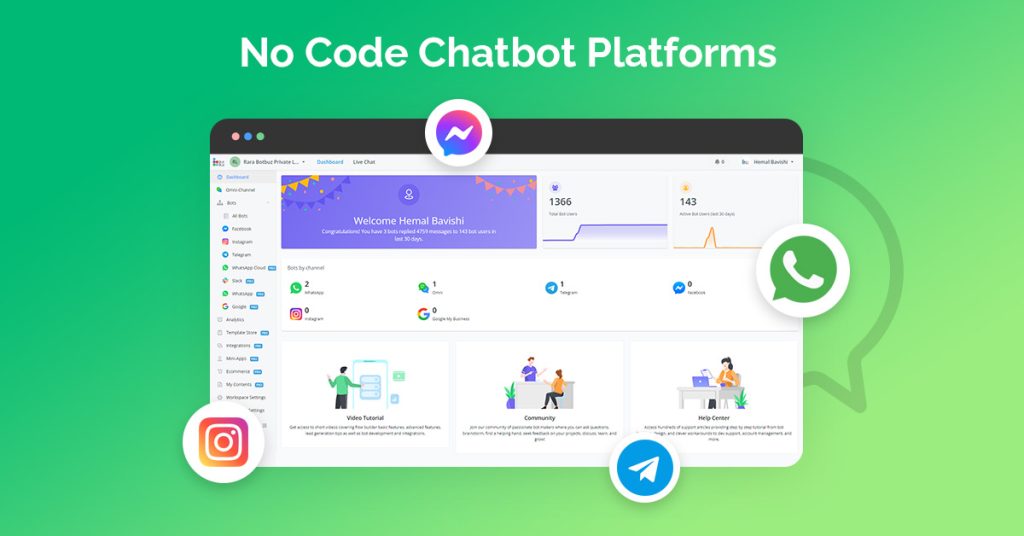
Botbuz simplifies scalable WhatsApp chatbot integration. It acts as a BSP, handling the technical API link (Meta verification, webhooks, and tokens). It features a user-friendly drag-and-drop builder with an AI engine for complex queries & e-commerce integration. The platform ensures quality support via a shared team inbox for seamless bot-to-human handover. It also enables compliant bulk messaging. Thus, making it an efficient solution for sales, support, and marketing.
Conclusion :
The integration of Botbuz with the WhatsApp Business API transforms the platform into a powerful, 24/7 engine for “conversational commerce.” Botbuz simplifies the technical API complexity with a no-code environment. It allows businesses to create sophisticated, high-volume flows. This system handles everything. Right from instant FAQ resolution and personalized e-commerce transactions to compliant bulk marketing. Crucially, it ensures quality support through a seamless human handover to agents in a shared inbox. Thus, delivering a superior, immediate customer experience that drives loyalty & measurable sales growth.
FAQs :
- What is the Overall Process for Integrating Botbuz with the WhatsApp Business API ?
The integration process is a five-step sequence. It starts with obtaining WhatsApp Business API access, usually facilitated by a Business Solution Provider (BSP) like Botbuz, or directly through Meta. This is followed by verifying the Meta Business Account. The third step involves the actual platform connection. It links the verified account and WhatsApp number via the Botbuz interface. Next, the user designs & tests the conversational chatbot flow within Botbuz’s no-code builder. Finally, the bot is deployed to the live WhatsApp number for launch & subsequent performance monitoring.
- Does Botbuz help with the WhatsApp Business API approval and setup process?
Yes, Botbuz significantly simplifies the entire setup process. It often acts as the intermediary Business Solution Provider (BSP). This partnership helps streamline the usually complex Meta verification and API access procedures. It enables businesses, especially those without an extensive technical team. Thus, achieving faster and smoother implementation of the WhatsApp Business API.
- How long does it usually take to get the Botbuz chatbot live on WhatsApp?
The technical connection of the Botbuz flow to the WhatsApp API is typically instantaneous once necessary permissions are secured, the total time to go live depends on external factors. The main bottlenecks are the time required for Meta Business Account verification. It can take several days, and the required approval time (up to 48 hours) for proactive, outbound communication templates (Message Templates) by WhatsApp.
- Can Botbuz handle multi-agent human handover and a shared inbox on WhatsApp?
Yes, a core benefit of using Botbuz is its support for multi-agent teams and a centralized, shared inbox. The platform allows multiple human support agents to log in. It collaboratively manages all incoming WhatsApp messages. This shared environment facilitates seamless handover of conversations from the automated chatbot to a live agent. Thus, ensuring continuous and collaborative customer support without missed queries.
- What advanced features does Botbuz enable on WhatsApp?
Botbuz extends basic messaging capabilities by enabling sophisticated features. These include AI/NLP automation for handling complex, free-form customer inquiries. It has the ability to integrate interactive product catalogs and payment gateways like Stripe or PayPal for commerce directly within the chat, and tools for sending personalized, large-scale campaigns via approved Message Templates. It also facilitates CRM integration for enhanced data personalization.
- What is the pricing structure when using Botbuz for WhatsApp?
The pricing model is dual-component. Businesses incur a subscription fee for the Botbuz platform itself. It covers access to the builder, shared inbox, and various features. Additionally, Meta (WhatsApp) charges a small per-conversation fee. The cost of which varies based on the message category like Marketing, Utility, Authentication, Service and whether the conversation was initiated by the business or the user.
- Does Botbuz help a business obtain the Official WhatsApp Green Tick?
Botbuz assists the businesses by providing guidance and meeting the necessary technical prerequisites. It helps for applying for the Official WhatsApp Green Tick (Verified Business Account status). The platform ensures that the technical and documentation requirements are correctly submitted. But the final approval is solely granted by Meta based on their assessment of the business’s public notability.