
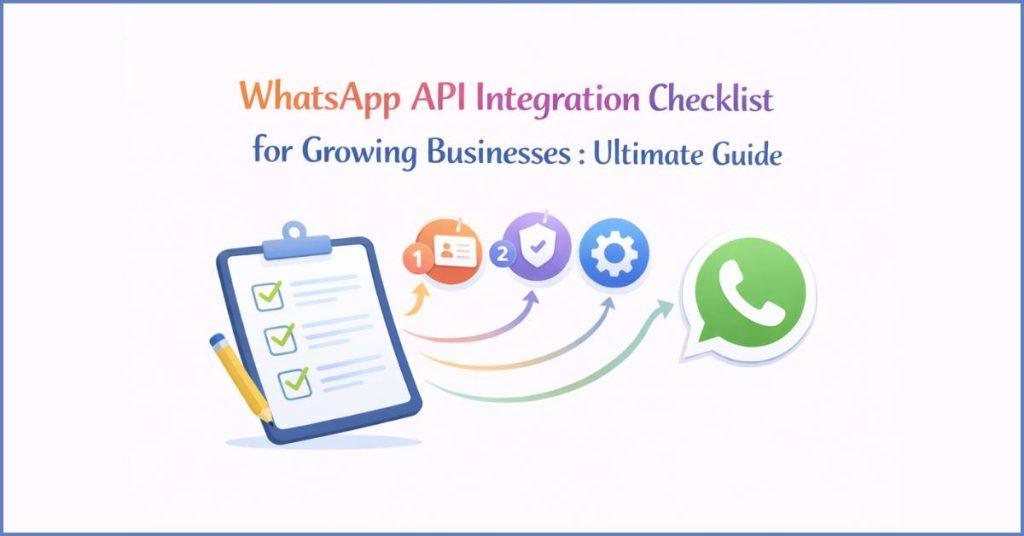
Importance of WhatsApp API for Growing Businesses :
WhatsApp Business API has evolved into a vital enterprise infrastructure. It allows medium & large businesses to communicate with customers at an immense scale. Unlike the standard app, this professional grade interface bridges the gap between a brand & its audience. It integrates directly with CRMs & AI driven automation to provide 24/7 support. Also it provides personalized marketing & secure transactional updates like OTPs & order tracking.
Proper integration is now a cornerstone of growth. It combines a 98% open rate with the power of scalability. Also it enables a single business to manage millions of concurrent, encrypted conversations. Thus, reducing operational costs and friction in the customer journey.
Identifying the Integration Scope :
The integration scope involves creating a strategic blueprint. It helps to ensure the WhatsApp API aligns with the business goals. By identifying specific objectives such as improving response times or driving revenue and mapping out key use cases like automated support, transactional notifications, or marketing broadcasts, businesses can prioritize features that offer the most immediate value. Furthermore, deciding whether the tool will serve external customers, internal teams, or both allows to architect the right technical environment. Thus, ensuring a scalable and secure foundation for long-term growth.
Infrastructure and Technical Architecture :
The technical architecture of the WhatsApp API functions as a secure, cloud-native bridge between internal systems and Meta’s global network. It utilizes the Cloud API for seamless maintenance and high performance. The system operates through a synchronized loop where servers & databases interact with the API to send data. While Webhooks act as real-time listeners to process incoming customer responses.
To ensure enterprise-grade reliability, the infrastructure incorporates end-to-end encryption and strict GDPR compliance. It helps to protect user privacy, paired with a tiered scalability model. Thus, allowing messaging volume to grow automatically from a few thousand to unlimited daily conversations as business expands.
Prerequisite Checklist for WhatsApp API Integration :
To get started with the WhatsApp API, businesses need to complete a few essential “housekeeping” tasks required by Meta. Think of this as the legal and technical foundation. It proves business is real and ready to handle professional messaging.
First, businesses will need a Meta Business Portfolio and a professional website. Meta uses these to verify that your company is a legitimate legal entity. During this process, you’ll submit documents like your tax ID or business license. Having a website that matches business details is mandatory. It acts as a “digital storefront” for Meta’s review team.
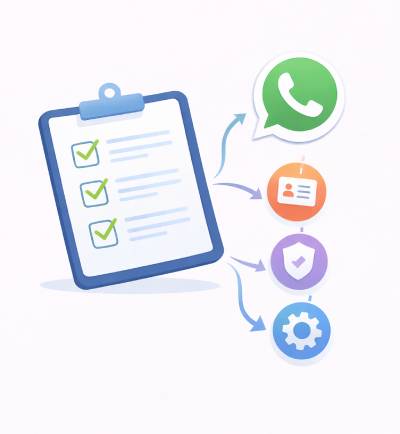
Next, businesses need to choose a Business Solution Provider (BSP) like Botbuz. While it can go directly through Meta, a provider like Botbuz is recommended. It simplifies the setup, offers a “team inbox” for staff, & provides easy-to-use tools for AI chatbots & marketing. They handle the complex API connections so you can focus on talking to your customers.
Lastly, businesses need a clean phone number. It is one that isn’t currently being used on a standard WhatsApp app. You will also link a payment method to your account. This is easier than ever. For example, in India, businesses can now use UPI auto-debit alongside credit cards. It helps to pay for messaging “conversations” as you scale.
Steps to Register for WhatsApp API :
The registration process for the WhatsApp API functions as a structured transition from a standard social account to a professional enterprise tool. It begins with the business representative creating a dedicated application within the Meta for Developers portal. This technical “container” serves as the bridge. It links the company’s legal business identity to the actual WhatsApp messaging infrastructure.
Once the digital foundation is laid, the business must register and verify its chosen phone number. Meta performs a security check by sending a one-time code via SMS or voice call. Once this is confirmed, the line is officially “active” on the API. This stage concludes with a connectivity test. It helps to ensure that the server can successfully push data to a mobile device.
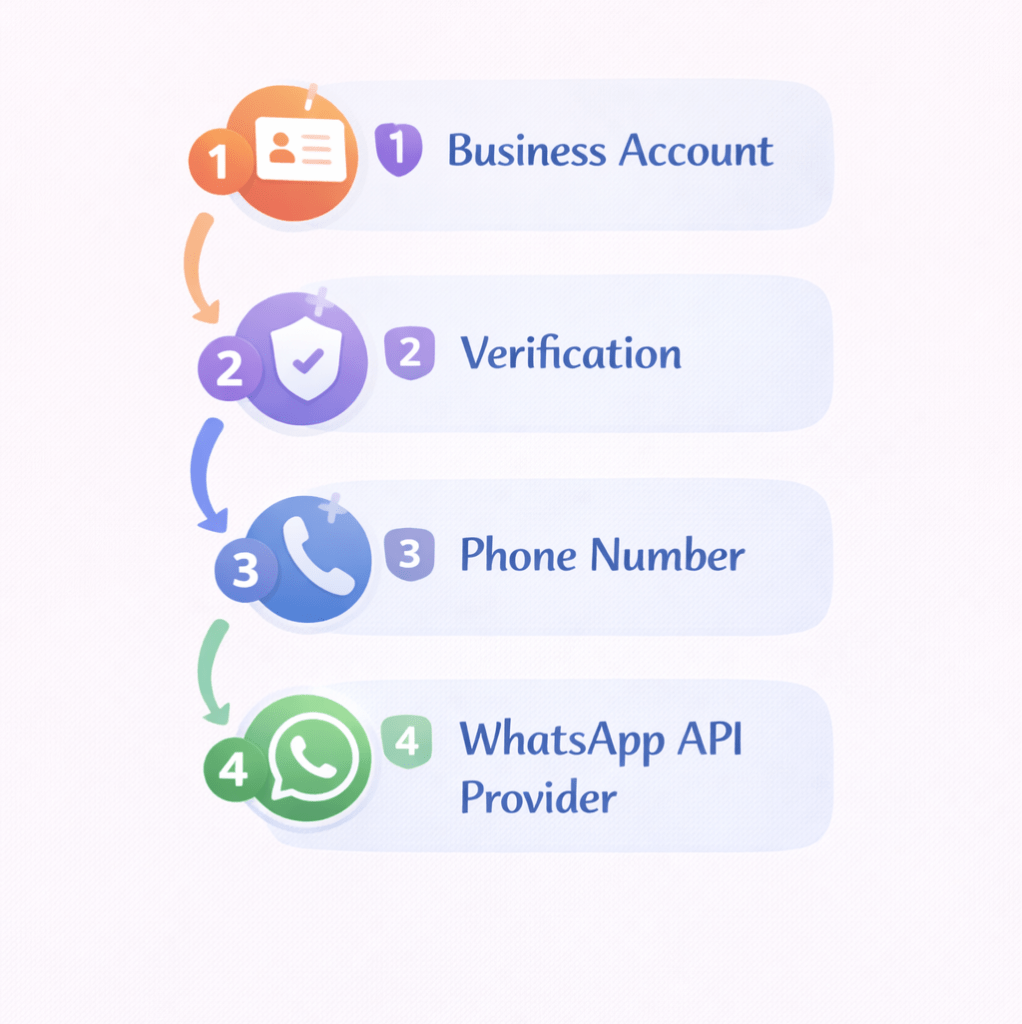
In the final phase, the organization defines its communication logic. It is through Message Templates & Webhooks. The API requires pre-approval for outbound messages. The business submits specific formats for notifications like shipping updates or appointment reminders. Simultaneously, they configure a “Webhook”. It acts as an automated listener that alerts their internal software the moment a customer sends a reply. Thus, enabling instantaneous, AI-driven interactions.
Common Issues and Resolutions During API Registration :
Registering for the WhatsApp API can sometimes hit a few speed bumps. It is usually because Meta’s security standards are so high. Most delays happen during Business Verification. If the name on tax documents doesn’t perfectly match what is typed in the Meta account, or if document scans are blurry, the system will flag it. The best fix is to ensure every detail is identical and your scans are clear and in color.
Another common headache involves phone numbers and message templates. If the number is still logged into a regular WhatsApp app, the API registration will fail. One has to delete the old account first. Similarly, Meta’s AI will reject templates if they look like spam or are too vague. Adding “sample text” to template application usually solves this. It helps Meta understand exactly what you plan to send.
On the technical side, many businesses run into “Unauthorized” errors. This is almost always caused by using a temporary password that expires quickly. To fix this, one needs to set up a “System User” in settings to get a permanent key. It keeps automation running 24/7 without breaking.
Finally, always make sure the website is professional and clearly shows your business name. Meta’s reviewers check this to confirm you are a real company. Avoiding shady links like URL shorteners and using secure “HTTPS” connections for webhooks will keep off the spam list and ensure a smooth approval.

Using Botbuz – The Best WhatsApp Business Solution Provider :
Using Botbuz is like having an expert navigator for the complex world of the WhatsApp API. It bridges the technical gap between Meta’s backend and business needs. Thus, making it possible to get up and running without a dedicated team of coders.
The platform’s strength lies in its no-code simplicity. Instead of writing complex scripts, one can use a visual drag-and-drop builder. It helps to create AI chatbots that answer customer questions 24/7. It also acts as a central hub, connecting WhatsApp messages directly to existing CRM or apps like Google Sheets. Thus, ensuring customer data is always synced and organized.
For businesses looking to scale, Botbuz provides a shared team inbox. It allows multiple employees to handle conversations from a single official number. It also simplifies the “heavy lifting” of the API like managing message templates and securing the official Green Tick verification. It focuses on building relationships rather than fixing technical errors.
Conclusion :
The WhatsApp Business API is the definitive growth engine. It is for enterprises to scale their communication without losing the personal touch. Successfully navigating the integration checklist from verifying Meta Business Portfolio to configuring high-performing webhooks. It sets a technical foundation that supports millions of secure, encrypted conversations.
By partnering with an official provider like Botbuz, businesses can bypass technical complexities with a no-code platform. It offers zero-markup messaging, AI-driven chatbots, and seamless CRM synchronization. Ultimately, this integration allows a company to move from simple “chatting” to “conversing with purpose”. Thus, ensuring they remain at the center of the customer’s digital world—fast, verified, and always ready to engage.
FAQs :
- How does the WhatsApp Business API differ from the standard Business App for a growing company?
The standard Business App is built for small shops with one or two users. While the WhatsApp API is an enterprise-grade engine designed for massive scale. API is essential for growth because it removes the 256-contact broadcast limit. Also it allows unlimited team members to handle chats from one number. Thus, unlocking advanced automation through Botbuz. Unlike the app, the API can be integrated directly into CRM. It enables businesses to handle thousands of concurrent conversations without the risk of being flagged for spam.
- What are the absolute essentials on the integration checklist before I can go live?
To launch successfully, one must have a verified Meta Business Portfolio. It is a professional website that matches legal business name & dedicated phone number that is not currently linked to any other WhatsApp account. Meta’s standards also require a valid payment method linked for conversation-based fees. Using Botbuz simplifies this checklist by providing a guided onboarding flow. It ensures documents & technical settings meet Meta’s strict “Green Tick” eligibility criteria right from start.
- Why is it better to use a provider like Botbuz instead of connecting directly to the API?
Connecting directly to Meta Cloud API requires significant coding knowledge & a dedicated developer team. It helps to build a user interface and manage server webhooks. Botbuz acts as a “No-Code” layer that sits on top of the API. It gives an instant dashboard, a drag-and-drop chatbot builder, and a shared team inbox. By choosing Botbuz, businesses can reduce technical overhead. It avoids the cost of building your own messaging software. Thus, gaining access to specialized support that helps resolve Meta-related verification or template issues.
- Can I use my existing business phone number for the WhatsApp API?
Yes, one can use an existing mobile or landline number. But there is one critical requirement: it must be disconnected from the standard WhatsApp or Business App before the API migration. During the setup process with Botbuz, one will receive a 6-digit verification code via SMS or voice call to confirm ownership. Once a number is moved to the API, it can no longer be used on the standard smartphone app. It is now managed via the cloud to support multiple users and automated systems.
- How does Botbuz help with message template approvals?
Meta requires all business-initiated messages like shipping updates or marketing blasts to be pre-approved as “Templates.” Botbuz streamlines this by providing pre-validated structures. It follows Meta’s 2026 categories: Marketing, Utility, and Authentication. The platform’s smart editor checks for common rejection triggers. It includes vague placeholders or incorrect formatting before you submit. It significantly increases chances of instant approval & prevents accounts from being flagged for low quality.
- Is my customer data secure when using the WhatsApp API through Botbuz?
Security is a top priority. All messages sent via the WhatsApp API are protected by end-to-end encryption. This means only your business and the customer can read the messages. Botbuz enhances this by providing a GDPR-compliant environment with secure API key management and IP whitelisting. By using a professional BSP business ensure that customer data is logged securely in CRM rather than sitting on individual employees’ personal devices. Thus, protecting your company from data leaks and compliance penalties.
- How does the API pricing model work with Botbuz?
WhatsApp uses a conversation-based pricing model. It is where business is charged per 24-hour session rather than per individual message. In 2026, these are categorized into Marketing, Utility, and Service conversations. Botbuz is highly recommended for growing businesses. It typically offers 0% markup on Meta’s official rates. This means one can only pay the direct cost of conversation to Meta plus a flat platform subscription to Botbuz. Thus, making it one of the most cost-effective ways to scale your customer engagement.


