Importance of WhatsApp for Business Communication :
Businesses are moving to WhatsApp. Because it is where their customers already spend their time. Compared to traditional emails or text messages which usually get ignored or buried in spam. WhatsApp messages are read almost instantly. By using it, companies can send helpful updates & answer questions 24/7 with automated assistants. It builds trust with verified profiles. It simply makes talking to a business as quick, safe, and easy as texting a friend.
WhatsApp Business Download : System Requirements
For Android users, the business app requires a relatively modern smartphone running an older but updated software version. It is specifically Android 5.0 or higher. The device must have a working SIM card slot or digital eSIM so it can receive standard text messages or regular phone calls. It is necessary to verify the account. While tablets can eventually be linked to the account later, a real smartphone is required to get everything up and running initially.
For iPhone users, the setup process requires an Apple device running at least iOS 15.1. This means older phones like the iPhone 6s or iPhone 7 can still use the app as long as their software is fully updated to the latest available version. Just like with Android, a person cannot use a standard Wi-Fi-only iPad to create a brand-new business account from scratch, as the app is designed specifically for mobile phone systems.
Internet connectivity is the lifeblood of the application. It means the phone must have a constant & reliable connection to work. This can be through a strong home or office Wi-Fi network or a mobile data plan like 4G or 5G. A business cannot send messages, receive customer images, or even complete the initial setup process if the device is offline or lacks cellular data coverage.
Finally, a unique phone number is mandatory for every single business profile. It can be either a standard mobile line or a traditional landline. However, a person cannot use the exact same number for a personal chatting account & a business account at the same time. A choice must be made between the two. The number must be capable of receiving a text message or an automated voice call to confirm ownership. Also special numbers like toll-free lines or automated extensions will not work.
How to Download WhatsApp Business ?
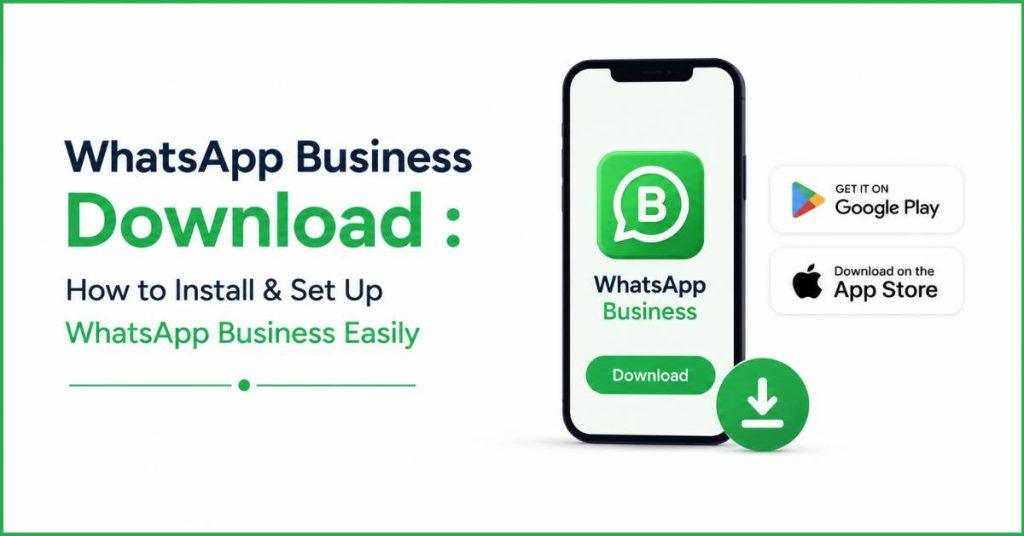
To get WhatsApp Business on an Android phone, a person needs to open the Google Play Store. It is the app market built right into the device. Inside the store, they should type “WhatsApp Business” into the top search bar. It is important to look closely at the results to pick the real app made by the official company. It stands out because its icon shows a green chat bubble with a capital letter “B” inside instead of a little phone. Once the correct one is found, tapping the green install button lets the phone download and place the app onto the screen automatically.
For iPhone users, the process is very similar but takes place inside Apple’s App Store. A person opens the App Store and taps the magnifying glass icon at the bottom of the screen to search for “WhatsApp Business.” After identifying the official app with that same signature green “B” logo, they simply need to tap the “Get” button. The phone might ask for a password, fingerprint, or face scan to confirm. After then it will quickly handle the rest of the download on its own.
How to Set Up WhatsApp Business After Download ?
To get started, a person needs to register their official business number. They must type in a valid mobile number or landline that is not already busy running a personal chat account. To verify the number, the system will send a six-digit secret code through a normal text message. Also it can read it aloud through an automated phone call if a business landline is being used.
Next, it is time to build a professional business profile. It works like a public digital billboard. A person will fill out the official company name. It can add a helpful summary explaining what they sell & type in their physical address so a small map pops up for customers. They can also add links to their websites and input their exact open-and-closed hours for every day of the week.
After that, the user configures handy messaging tools to handle chatting automatically. They can set up friendly greeting messages that wave hello to new customers instantly, and away messages that politely tell people the shop is closed if they text late at night. They can also create “quick replies,” which are like secret keyboard shortcuts. It automatically types out long answers to common questions in a split second.
To showcase what is for sale, the app lets a business create a neat product catalog right inside the chat window. A person can upload clean photos of up to 500 different items or services, giving each one a price tag and a name. They can even add direct web links and tracking codes. so shoppers can browse and buy things without ever having to leave the conversation.
Finally, the app offers special organizational tools. It helps to keep track of all the different customer conversations. A business can use up to 20 different color-coded digital sticky notes, called labels. It helps to mark chats as things like “New Order” or “Waiting for Payment.” This simple trick prevents important messages from getting lost in a crowded inbox. Also it helps the business group similar customers together easily.
WhatsApp Business Download – Common Issues & Fixes :
When a person runs into installation problems, it usually means the phone is either completely out of storage space or running software that is simply too old. If the download gets stuck or won’t start, deleting a few heavy videos or clearing out the app store’s memory usually gets things moving again. If the app store states that the device is not compatible, the user simply needs to go into their phone settings. Users can run a system update to get the latest software version.
Verification issues happen when the app tries to make sure you actually own the phone number you typed in. If the special login text message never shows up, it is usually because the number was typed incorrectly or the phone has a weak cell signal. Waiting for the app’s countdown timer to run out allows the user to click a “Call Me” button. It commands a robot to call the phone and read the code out loud instead.
Backup and migration problems jump up when a business tries to move its old chat history into the new app. If a transfer freezes halfway through, it means the app was closed too early or the phone went to sleep. So keeping the screen active and plugged into a charger is a must. If the app cannot find an old backup, the user is likely logged into the wrong Google or Apple cloud account on their device. It blocks the app from grabbing the saved chats.
Performance issues like unexpected app crashes, laggy typing, or texts taking forever to send are quite annoying but easy to patch. When the app suddenly closes on its own, it usually means the phone’s short-term memory is cluttered. It can be fixed by heading into settings and wiping away the app’s temporary cache files. If messages are stuck with a little clock icon instead of a checkmark, switching the phone from weak Wi-Fi over to cellular data will usually reconnect it to the internet.
Finally, a person can fix the vast majority of random glitches by following a quick three-step checklist. First, they should visit the app store to check for updates, as old versions eventually stop talking to the main servers properly. Second, they can open a random website to double-check that their internet connection is actually working. If nothing else works, they can run a quick manual backup, delete the entire app, restart the phone, and download a fresh copy to clear out any stubborn bugs.

How Botbuz Helps Businesses Maximize WhatsApp Business :
Botbuz works like a super-smart upgrade chip that transforms a basic WhatsApp account into a powerful, automated digital storefront. It replaces boring sign-up forms with friendly text conversations to gather customer details, and its tireless AI assistant reads business manuals to answer questions accurately 24/7.
Instead of forcing a whole team to crowd around a single smartphone, it creates a massive shared web dashboard so dozens of employees can log in at the same time to help people and organize chats with colorful tags. Finally, it acts as a digital bridge, connecting directly to online stores and spreadsheets to automatically text out packages updates, shopping receipts & appointment reminders the second they happen.
Conclusion :
Setting up a WhatsApp Business account is a simple first step that moves a shop into the messaging app that everyone already uses, but combining it with Botbuz is what truly unlocks its superpowers. While the basic app provides a neat digital storefront, it becomes overwhelming for human workers once hundreds of customers start texting at the same time.
Botbuz solves this by bringing in a tireless AI assistant that answers questions 24/7, allows whole teams to share the workload from their own computers & connects to online store systems to send out instant shipping updates. Ultimately, setting up the account puts a business on the map, but utilizing Botbuz ensures they have the automated muscle to grow without ever missing a single customer.