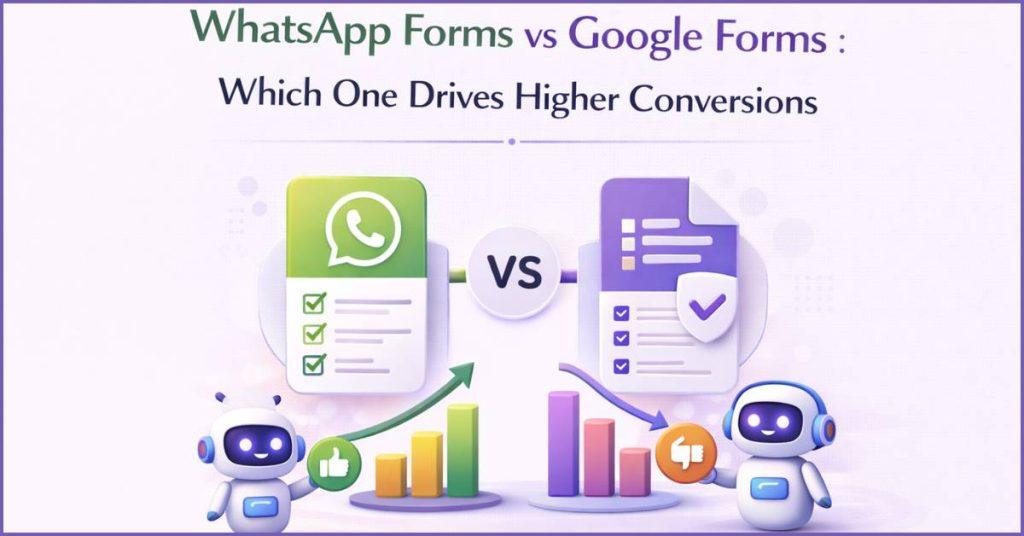
- Overview of Digital Forms in Lead Generation :
- What Are WhatsApp Forms & Google Forms?
- Key Differences That Matter for Business :
- Key Benefits of Using WhatsApp Business Forms :
- Best Use Cases for Each Tool :
- Why WhatsApp Forms Win for Customer Engagement ?
- How Businesses Use WhatsApp Forms to Increase Engagement and Bookings ?
- How Botbuz Makes WhatsApp Forms Effortless ?
- FAQs :
Overview of Digital Forms in Lead Generation :
Digital forms serve as the bridge between a business and its potential customers. It acts like a virtual handshake that captures essential information. The real goal isn’t just to gather a mountain of data, but to achieve a high conversion rate by making the process so smooth that users actually finish the form instead of giving up.
Because people are more likely to share information when it feels easy, businesses must choose between different styles: Google Forms work best for structured, organized data collection like a digital worksheet, while WhatsApp Forms offer a more conversational and immediate experience within a chat app. Ultimately, by reducing friction and choosing the right platform, a business ensures that every interaction is an opportunity to build a real connection rather than just a line on a spreadsheet.
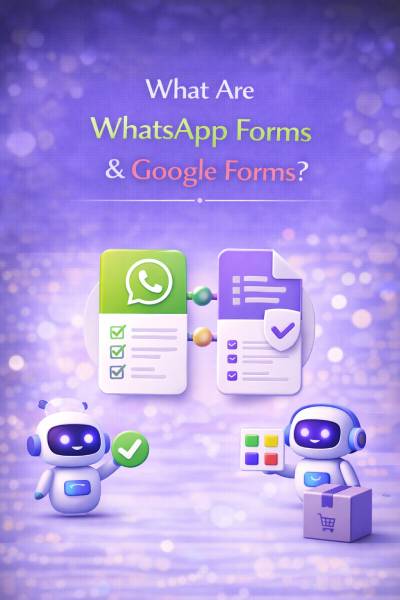
What Are WhatsApp Forms & Google Forms?
Think of these two tools as different ways to ask for a friend’s birthday party details. WhatsApp Forms are like sending a quick text where the questions pop up right in the chat; they are super fast and feel like a natural conversation, making them perfect for things like booking a quick appointment or signing up for a game. On the other hand, Google Forms are like a digital worksheet that opens in a web browser.
They are great for when a teacher or a business needs to ask a lot of detailed questions and wants to keep all the answers neatly organized in a big list. While WhatsApp is all about speed and staying inside the app, Google is built for collecting a lot of information in one organized place.
Key Differences That Matter for Business :
|
Feature
|
WhatsApp Forms
|
Google Forms
|
|---|---|---|
|
UX Style
|
Native, Conversational
|
External, Static
|
|
Identity
|
Verified Phone Number
|
Manual Entry (often anonymous)
|
|
Follow-up
|
Instant & Automated
|
Delayed (Email/Manual)
|
|
Completion Rate
|
High (Low Friction)
|
Moderate (Drop-offs due to links)
|
|
Integration
|
Chatbots & Live CRM
|
Google Workspace & Sheets
|
Key Benefits of Using WhatsApp Business Forms :
Using WhatsApp Business Forms is like having a super-fast shortcut for getting things done. Instead of making someone leave their favorite app to fill out a boring worksheet, these forms stay right in the chat, which makes people much more likely to actually finish them. Because it all happens in real-time, a business can instantly say “thanks!” or send over a coupon the second a person hits submit, rather than making them wait days for an email.
It also works perfectly with smart chatbots that can automatically sort through the answers to figure out who needs help right away. By making the whole process feel like a quick, personal chat instead of a chore, businesses can connect with more people much faster and keep them excited about what they are offering.
Best Use Cases for Each Tool :
Choosing the right tool depends on whether you need an immediate dialogue with a customer or a structured database for research. Here is how businesses typically deploy each for maximum efficiency.
When to Use WhatsApp Forms :
WhatsApp Forms are best for high-intent actions where speed determines whether you win or lose a customer. They are ideal for “mobile-first” industries.
Healthcare: Patients can book appointments or ask quick health queries. The instant nature of chat reduces “no-shows” because the reminder is right in their messages.
Education: Schools use them for course inquiries and student onboarding. Prospective students find it much easier to chat than to fill out a long application.
E-Commerce: Perfect for order confirmations and specific product inquiries. If a customer is on a product page, a quick WhatsApp form can capture their size or style preference instantly.
Finance & Insurance: These industries use forms for “Lead Qualification.” Instead of a 20-minute call, a quick 4-question form helps agents know if a lead is eligible for a specific policy.
Real Estate: Agents use them for property inquiries and site visit bookings. A lead can submit their budget and preferred location without leaving the app they use to look at property photos.
When Google Forms Is the Right Choice :
Google Forms are the gold standard for information management and internal organization where the speed of a follow-up doesn’t matter as much as the depth of the data.
Internal Surveys & HR Feedback: If a company wants to know how employees feel about a new office policy or what they want for lunch, Google Forms collects and graphs this data perfectly.
Academic Research: For students or researchers collecting hundreds of responses for a thesis, Google Forms’ integration with Google Sheets is essential for scientific analysis.
Event Registrations (Large Scale): When you just need a list of 500 names for a conference and don’t need to speak to them individually, a simple link works best.
Detailed Feedback: If you need a customer to write a long paragraph about their experience, the larger screen space of a web-based form is more comfortable than a small chat bubble.
Why WhatsApp Forms Win for Customer Engagement ?
WhatsApp Forms are like a “super-app” version of a sign-up sheet. They make things incredibly easy for the customer. Instead of clicking a link and waiting for a slow website to load, people can answer questions right inside their chat bubble. It feels as easy as texting a friend. These forms are connected to smart chatbots. So a business can instantly reply, send a “thank you” gift, or even let a person pay for a product without ever leaving the conversation.
Plus, because everyone on WhatsApp has a verified phone number, businesses don’t have to worry about fake names or wrong info getting mixed into their lists. It basically turns a boring chore into a fast, helpful chat. Thus, making it much more likely that people will actually finish what they started.
How Businesses Use WhatsApp Forms to Increase Engagement & Bookings ?
Businesses are using WhatsApp forms like a “smart helper” to make talking to customers much easier and faster. Instead of just waiting for someone to find them, they use these forms to catch a person’s interest and send an instant “hello” or a helpful message right back. It makes things like booking a hair appointment or a doctor’s visit super simple because the form can show available times and let the person pick one without any back-and-forth phone calls.
Companies can also send special “just for you” discounts or quick reminders about a meeting so nobody forgets. If someone hasn’t visited in a while, the business can even send a friendly nudge to say they’re missed. By keeping everything inside a simple chat, it feels less like a business transaction and more like a helpful conversation, which makes people want to stay connected.

How Botbuz Makes WhatsApp Forms Effortless ?
Botbuz acts like a powerful “easy button” for businesses that want to use WhatsApp to connect with their customers. It features a simple builder that lets anyone create professional forms by just clicking and dragging, so you don’t need to be a computer whiz or know how to code. Once a form is ready, a business can send it out to thousands of people all at once, making it much faster than trying to message everyone one by one.
It also acts like a universal connector. It can link up with over 2,000 other apps to make sure all the names and details collected are saved perfectly in the right spot. To top it off, it gives the business a “live scoreboard” that shows exactly how many people are using the forms. It helps them see what’s working best so they can keep making things better for their customers.
Conclusion :
In the end, choosing between these two tools depends on whether a business wants to study a list or start a conversation. While Google Forms are great for school projects or long surveys where you have plenty of time to look at results later, WhatsApp Forms are the clear winner for actually winning over customers because they are so much faster and easier to use.
By using a tool like Botbuz, businesses can turn these forms into “smart conversations” that reply instantly, stay organized, and reach thousands of people at once without any extra work. Instead of making someone leave their favorite app to fill out a boring webpage, it keeps everything in a friendly chat where people feel more comfortable.
Ultimately, by making the process feel like a simple text rather than a chore, businesses can stop just collecting names and start building real friendships with their customers.
FAQs :
- Why do WhatsApp Forms get more responses than Google Forms?
WhatsApp Forms keep everything inside the chat, so people don’t have to switch apps or wait for a website to load. Because it feels like a quick text conversation instead of a long worksheet, users are much more likely to finish it.
- Is it possible to use both Google Forms and WhatsApp together?
Yes, you can use a bridge tool like Botbuz to link them. When someone fills out a Google Form, the system can instantly send them a WhatsApp message to say thanks or start a live conversation, combining the two platforms.
- Do I need to be a programmer to create these forms on Botbuz?
No, you don’t need any technical skills. Botbuz uses a simple “drag-and-drop” builder, which means you just click and move pieces around to design your form, making it as easy as building something with digital blocks.
- How does Botbuz help pick out the best leads?
The chatbot can automatically grade answers as they come in. For example, if a customer says they are ready to buy today, the bot can instantly alert a human staff member to jump into the chat & help them right away.
- Is the information shared on these forms safe?
Yes, since it uses the official WhatsApp system and the Botbuz platform, the data is protected by high-level security. This keeps the private details of both the business and the customer safe from prying eyes.
- Can I send a form to a large group of people at the same time?
Yes, Botbuz has a “Broadcast” feature that lets you send your form to thousands of customers at once. This is much faster than messaging people individually & ensures your form gets seen by almost everyone.
- What if someone starts the form but gets distracted and stops?
Unlike a web form that just disappears, Botbuz can notice if someone quits halfway through. It can then send a friendly automated “nudge” a little later to remind the person to finish, which helps to save a lost connection.